Everything Keep Booked does
Switch on the parts you’ll use and leave the rest off. Every text goes out in your words, from your business. Starter has the text-back, booking page, reminders and review requests; voicemail, quotes and invoices are on Solo and Team.
See it all in three minutes
Every feature below, on Demo Barbers and Demo Plumbing, and where to find it. Pick a chapter to go straight to it.
Missed-call text-back
When you can’t answer, the caller gets a text from your business within seconds, with your booking link. You write the wording; we help if you’d like.
Keep your own number and divert the calls you miss, or take a Keep Booked number for the business. Texts go to UK mobiles only.
How missed-call text-back works: the divert codes for each network, what the text should say, and what it costs.
Your booking page
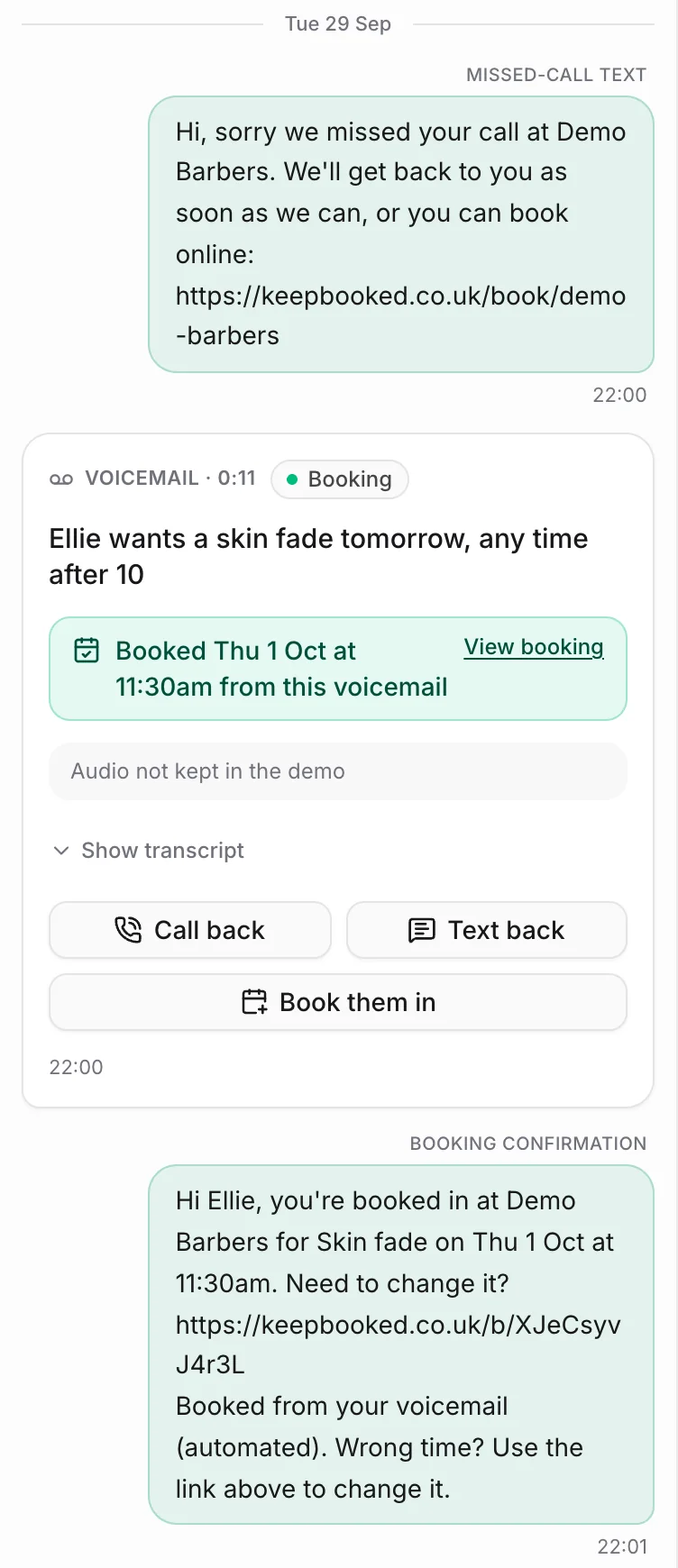
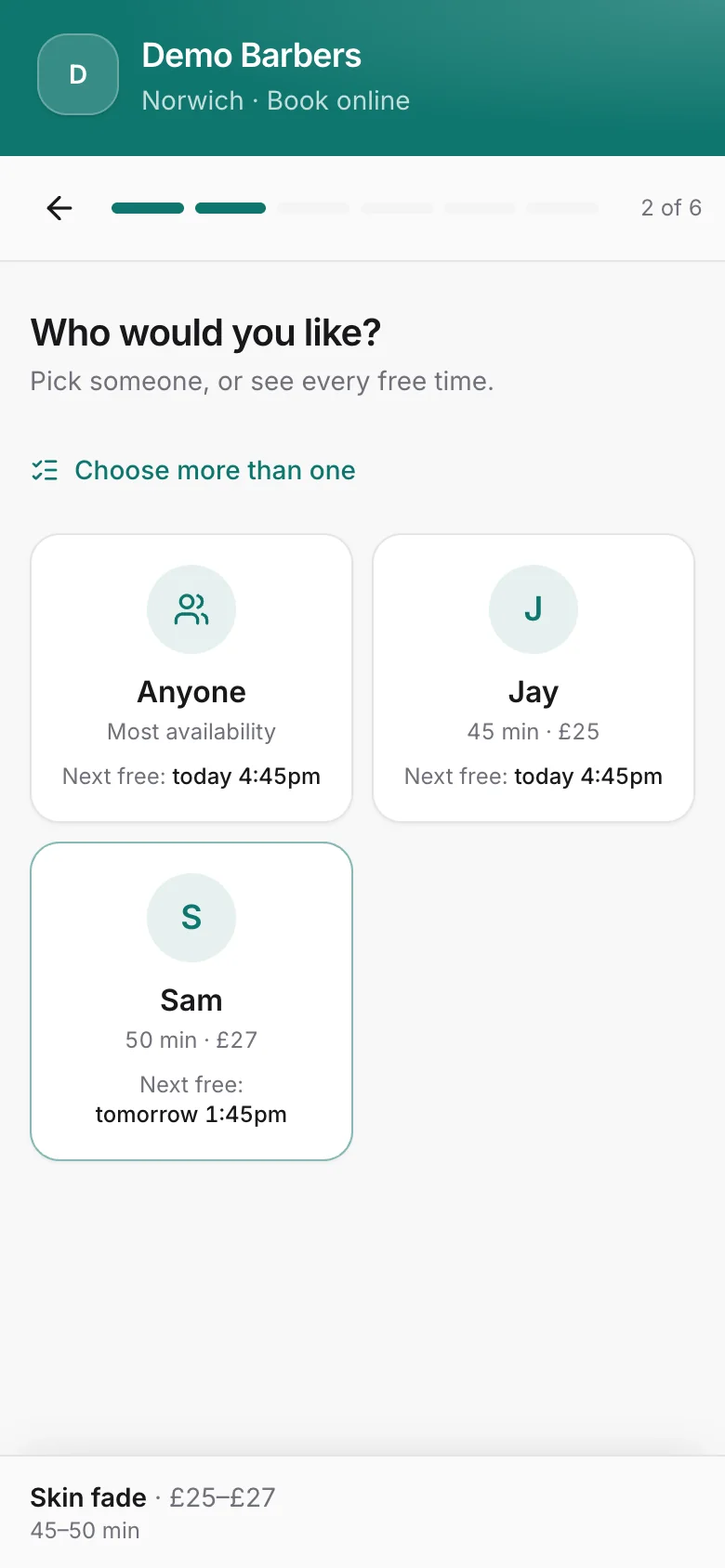
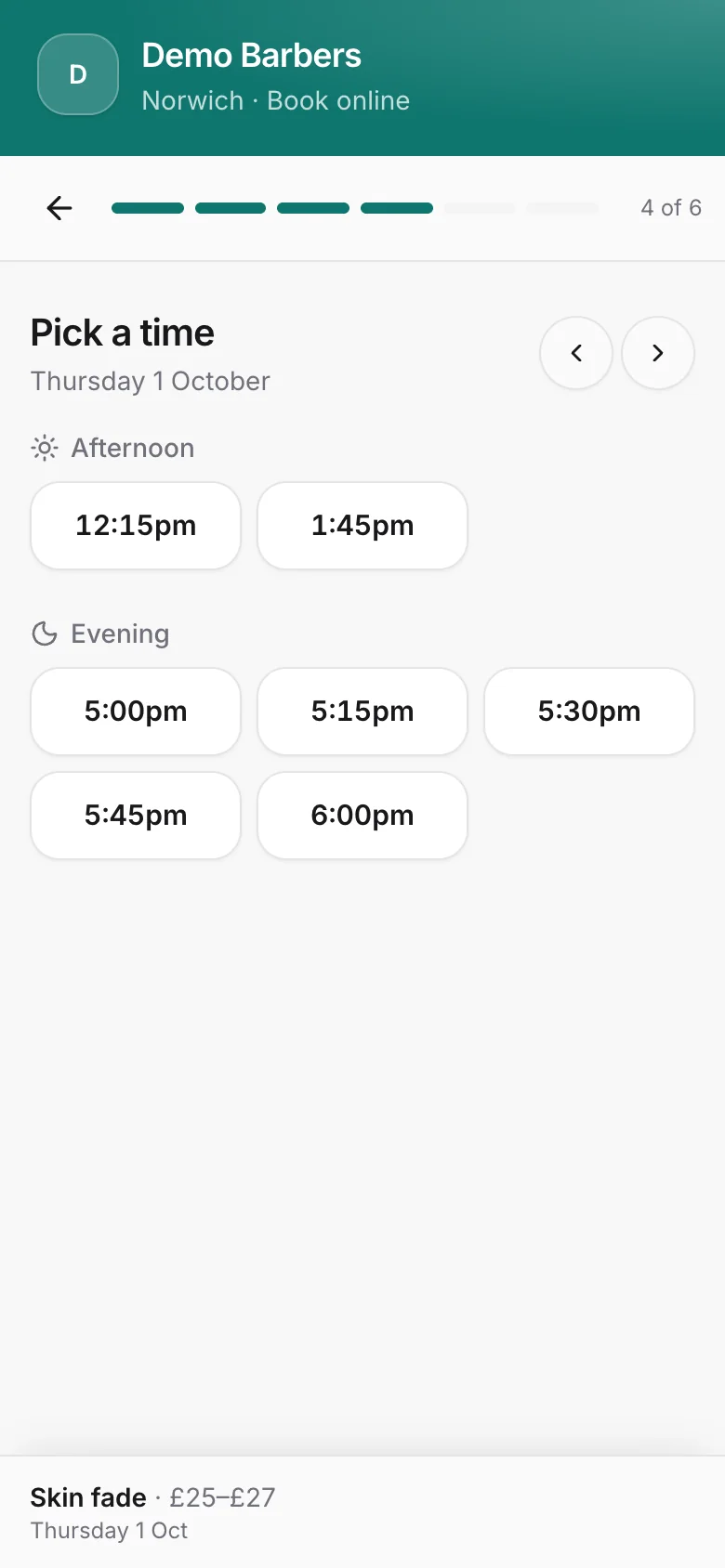
Your services, prices and hours, and each person’s own days. Customers pick a service, one or more people if they care who, and a time that’s really free. Nobody gets double-booked.
Ask what you need when they book: the reg, the address, a photo of the leak. Link it from Google, Instagram and your website.
Confirmations and reminders
Every booking gets a confirmation text with a link to change or cancel, and a reminder the day before. Fewer no-shows, and fewer “what time was I in?” calls.
Move a booking in your diary and the customer is told.
Voicemail, and voicemails that book
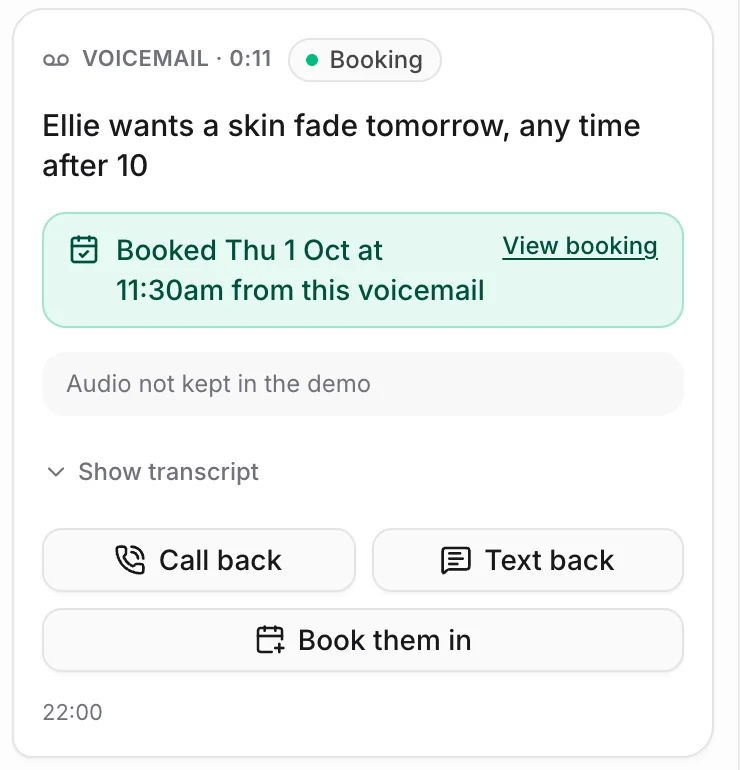
Callers can leave a message after the text goes, with a greeting in your words or your own voice. You get it written out with a one-line summary, by text and in the portal.
Switch on booking from voicemails and Keep Booked offers or books the next free time around when they said they’re free, and asks for anything else by text. If it isn’t sure, it asks them, or leaves it for you.
Voicemail is on Solo and Team. Booking from voicemails is included on Team, or £25 a month on Solo.
Google review requests
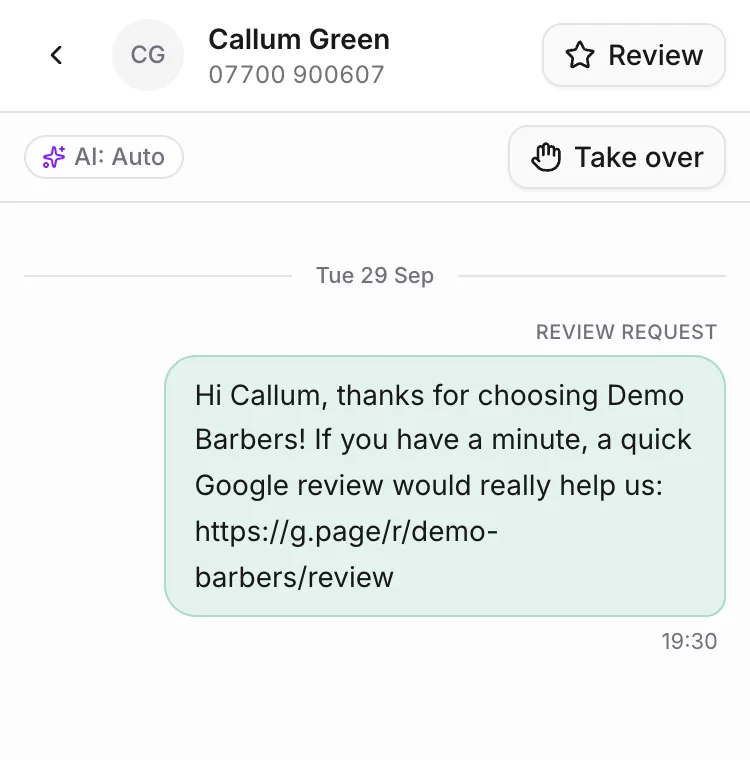
After a visit, a short text asks for a Google review with your link. Send it automatically an hour or two after, or only when you tap.
Never in the middle of the night, never after a no-show, never more than once in 90 days, and you can turn it off for any customer.
Quotes that follow up
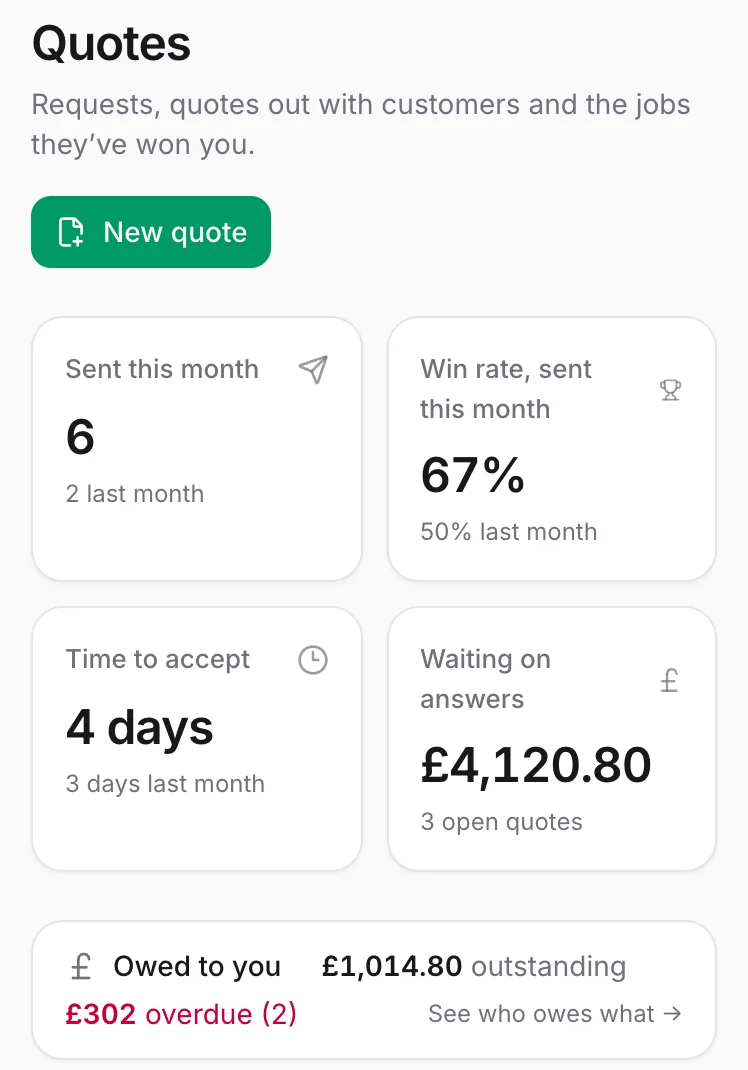
Build a quote on your phone from saved items and send it as a page with your name on it. Up to six follow-ups go on their own, in your words, and stop the moment they accept, decline or reply.
See what’s out, what’s won and what’s waiting on an answer.
On Solo and Team.
Invoices
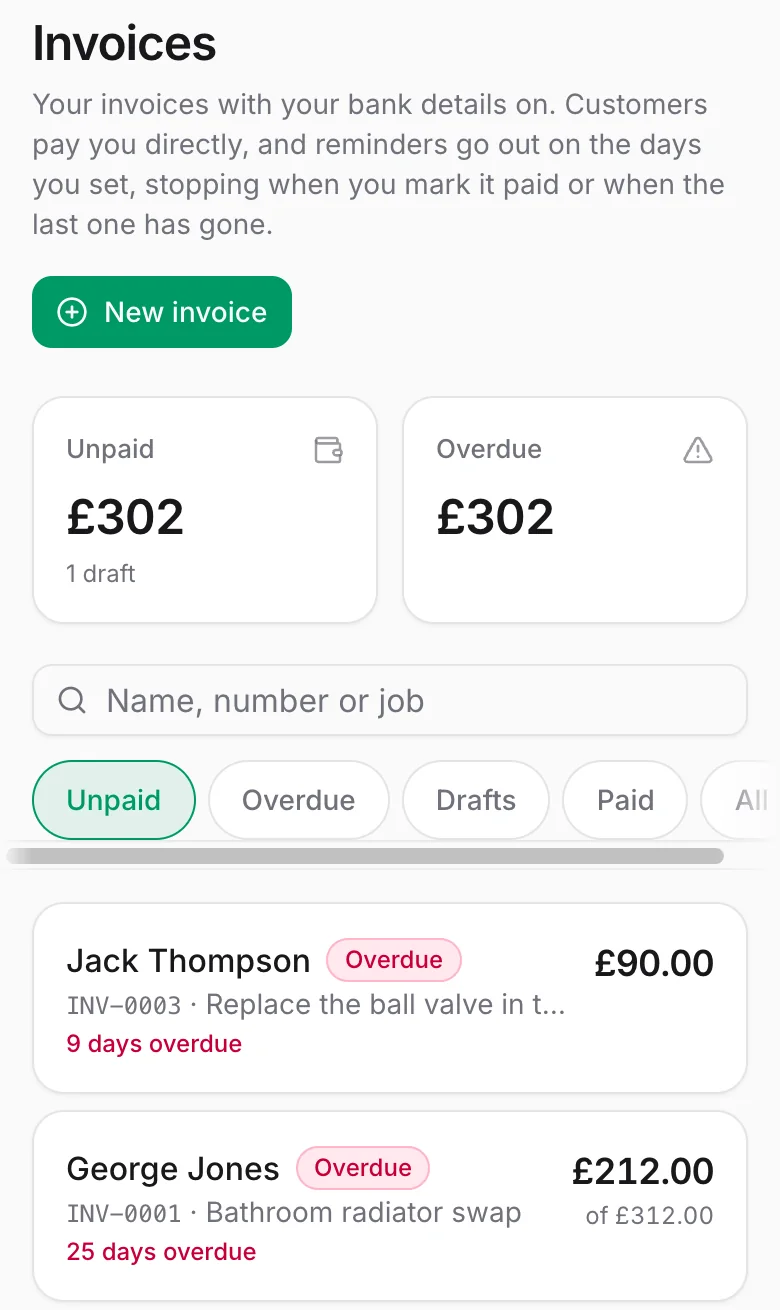
Turn a won quote or a finished job into an invoice in a couple of taps, with your bank details on it. Reminders go on the days you choose and stop when you mark it paid.
Keep Booked never takes a payment. Customers pay you the way they do now.
On Solo and Team.
And around it
One inbox for texts
Customers’ replies land in the portal and on your phone. They always see the business, never your personal number.
An AI assistant, if you want one
Off unless you switch it on. Answers texts from your own details only and books free times. Emergencies and complaints come straight to you. Included on Team, an add-on on Solo.
A portal on your phone
Today, Calendar, Inbox and More along the bottom, like an app. Nothing to install.
Staff logins
Everyone sets their own hours, so the booking page is always right.
Your calendar
Bookings in Google, Apple or Outlook on the phone you already use.
A number for the business
Take a Keep Booked number for the van and Google that rings your mobile first. On Solo and Team.